Was kostet SchulPing Junior?How much is SchulPing Junior?
Nichts. Junior ist kostenlos. Ihr braucht aber die Eltern-App SchulPing (1,99 € pro Jahr), denn nur dort lässt sich der Junior-Code erzeugen.Nothing. Junior is free. You do need the parent app SchulPing (€1.99 per year), because only it can create the Junior code.
Wie lange gilt ein Junior-Code?How long is a Junior code valid?
6 Monate. Eine Woche vor Ablauf erinnern SchulPing und Junior täglich daran, dann zeigst du einfach einen neuen Code. In der ersten Woche eines neuen Abos gilt der Code nur bis eine Woche nach Abo-Start; danach bekommst du einen 6-Monats-Code. Ohne laufendes Abo gibt es keinen neuen Code, und Junior zeigt nach Ablauf nichts mehr an.6 months. For the last week before it expires, SchulPing and Junior remind you every day; then you simply show a new code. In the first week of a new subscription the code is only valid until one week after it started; after that you get a 6-month code. Without an ongoing subscription there is no new code, and Junior shows nothing once it has expired.
Braucht mein Kind ein Passwort?Does my child need a password?
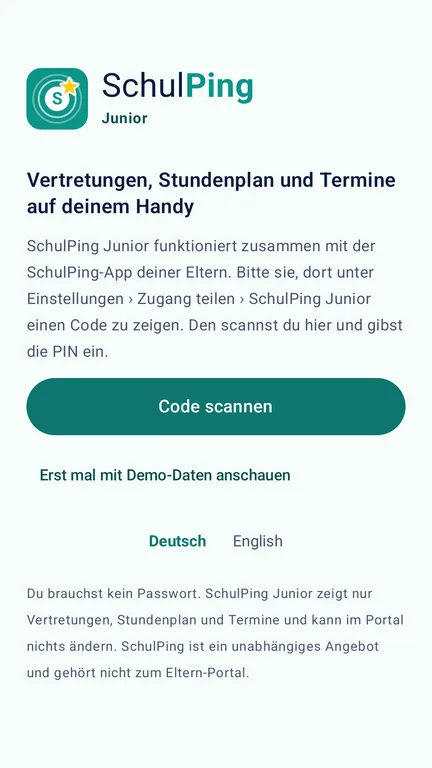
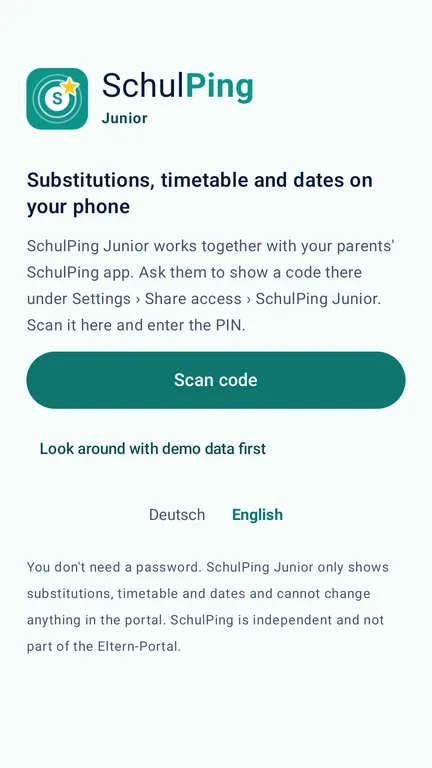
Nein. Du zeigst in SchulPing unter Einstellungen › Zugang teilen › Code für SchulPing Junior einen QR-Code mit PIN, dein Kind scannt ihn. Technisch liegt euer Portal-Zugang dann verschlüsselt auf dem Kinderhandy, dein Kind sieht ihn aber nie.No. You show a QR code with a PIN in SchulPing under Settings › Share access › Show code for SchulPing Junior, and your child scans it. Technically your portal login is then stored encrypted on the child's phone, but your child never sees it.
Was sieht mein Kind nicht?What doesn't my child see?
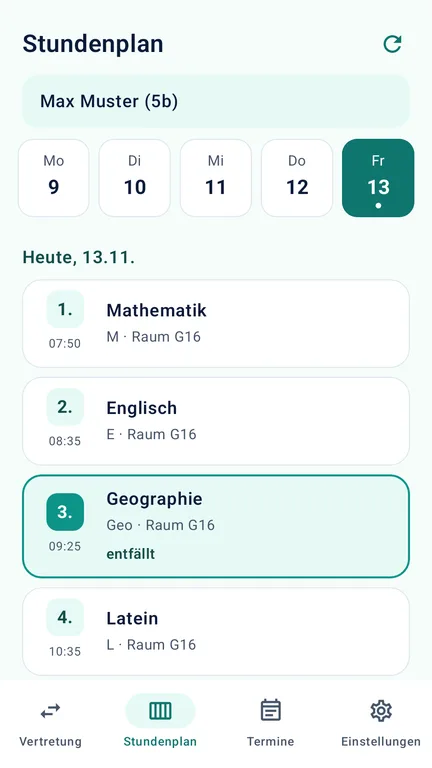
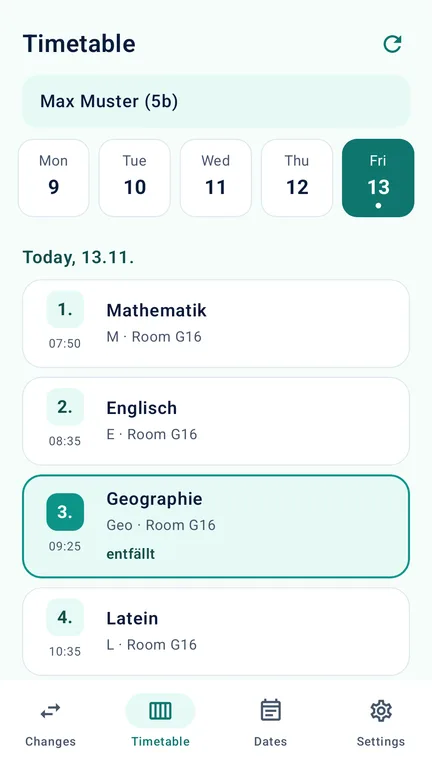
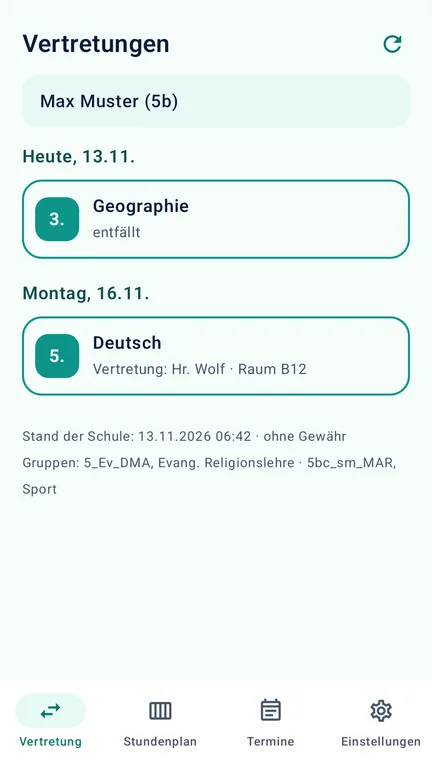
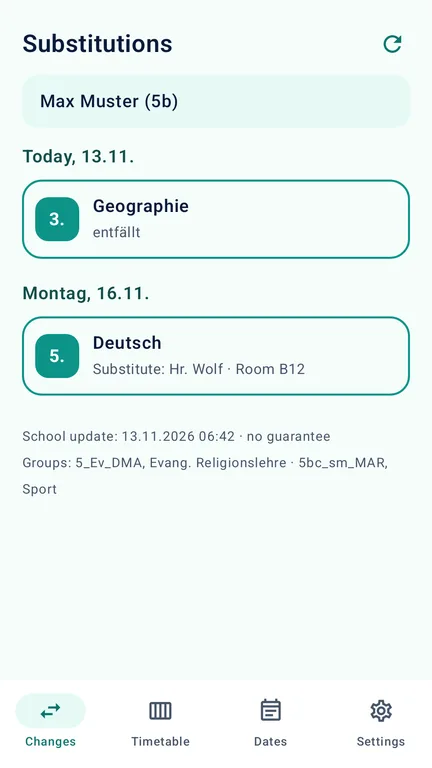
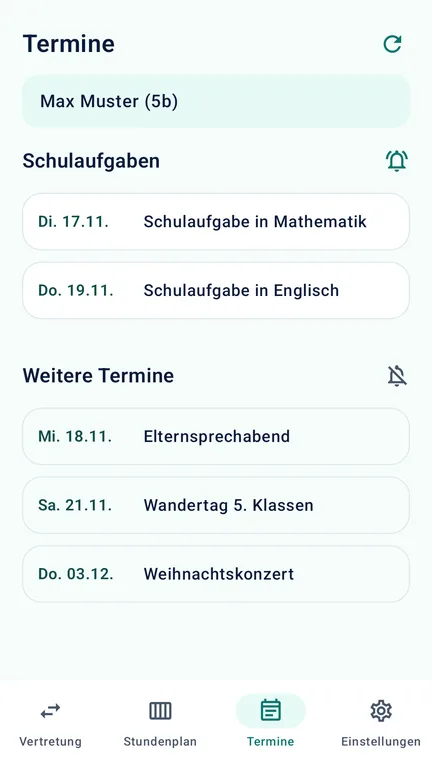
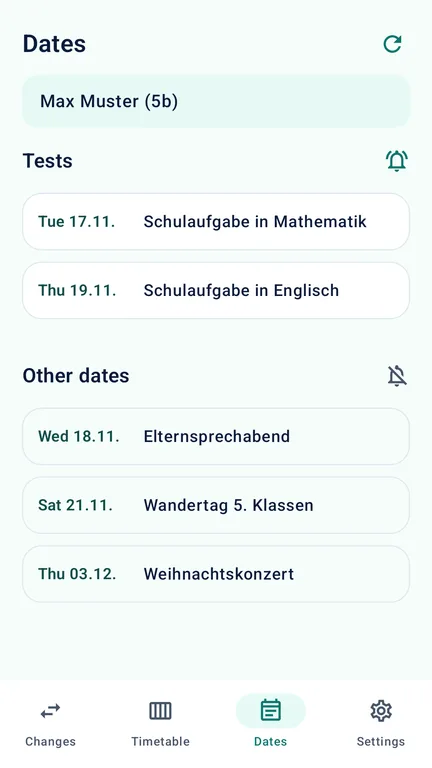
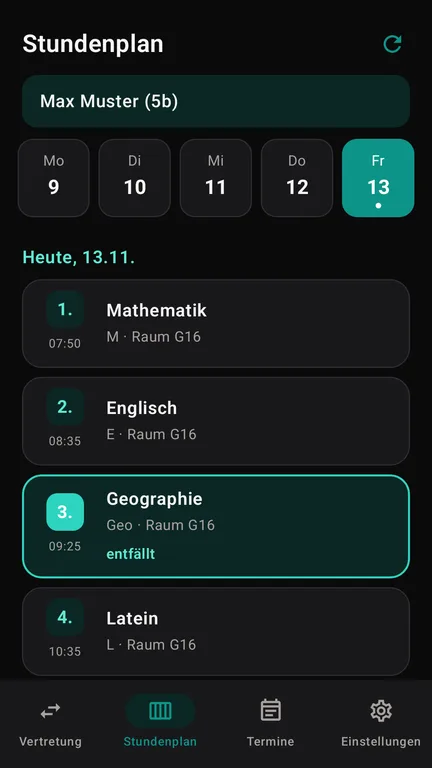
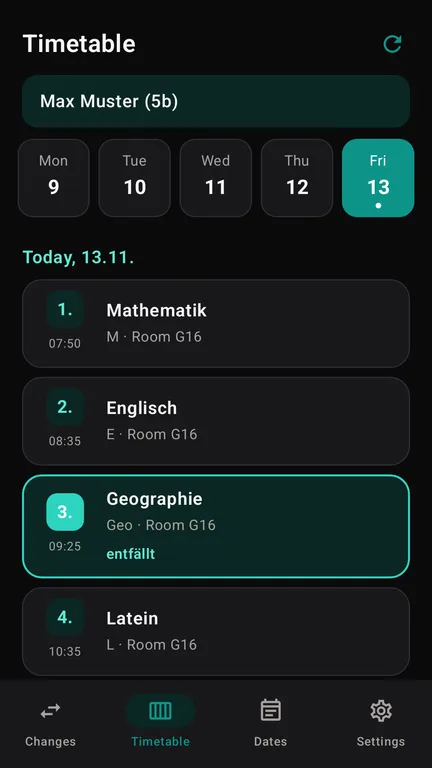
Elternbriefe, Nachrichten, Umfragen, Krankmeldung, Dokumente und alle anderen Bereiche des Portals. Junior ruft nur Vertretungen, Stundenplan und Termine ab, öffnet das Portal nie und kann dort nichts ändern.Parent letters, messages, surveys, sick notes, documents and all other areas of the portal. Junior only fetches substitutions, timetable and dates, never opens the portal and cannot change anything there.
Wir haben zwei Kinder – geht das?We have two children – does that work?
Ja. Du erzeugst für jedes Kind einen eigenen Code. Jedes Kind sieht dann nur seine eigenen Sachen. Teilen sich Geschwister ein Tablet, kann ein Code auch mehrere Kinder enthalten.Yes. You create a separate code for each child. Each child then only sees their own things. If siblings share a tablet, one code can include several children.
Wie beende ich den Zugang?How do I end access?
Ändere das Passwort im Portal und trage das neue in SchulPing ein (Einstellungen › Zugang teilen › Passwort ändern). Alle gekoppelten Handys, auch die der Kinder, verlieren dann beim nächsten Abruf den Zugang. Wer weiter Zugriff haben soll, bekommt einen neuen Code.Change the password in the portal and enter the new one in SchulPing (Settings › Share access › Change password). All paired phones, including the children's, lose access at their next check. Anyone who should keep access gets a new code.
Darf mein Kind das überhaupt?Is my child allowed to use it?
Das entscheidest du als Erziehungsberechtigter. Bitte prüfe, ob die Regeln eurer Schule zum Eltern-Portal es erlauben, dass dein Kind diese Inhalte mit eurem Zugang sieht. Details stehen in den Nutzungsbedingungen.That is your decision as a guardian. Please check whether your school's rules for the Eltern-Portal allow your child to see this content with your login. Details are in the terms.
Und das iPhone?What about iPhone?
Kommt bald, wie bei SchulPing.Coming soon, just like SchulPing.